Networking is still hard in 2026
Hey 👋🏽
Important off topic things first: Sandro got married! 🎉
We were in Munich for it and it was a fantastic day! ☀️
Highly recommend a wedding over sprint planning or fighting with AWS shenanigans!
Now to something less fun: A story I keep hearing, and it always starts the same way.
A cluster gets noticeably more expensive over two days.
1. Nothing was deployed and traffic is flat.
2. All dashboards stay green: pods Running, nodes Ready, no alerts and no errors.
3. But the bill still goes up... significantly 😅
The only thing that changed is where the nodes are running. That's enough.
In this issue: how a Spot shortage quietly rearranges a cluster across three availability zones, and why that makes internal traffic a costly liability!

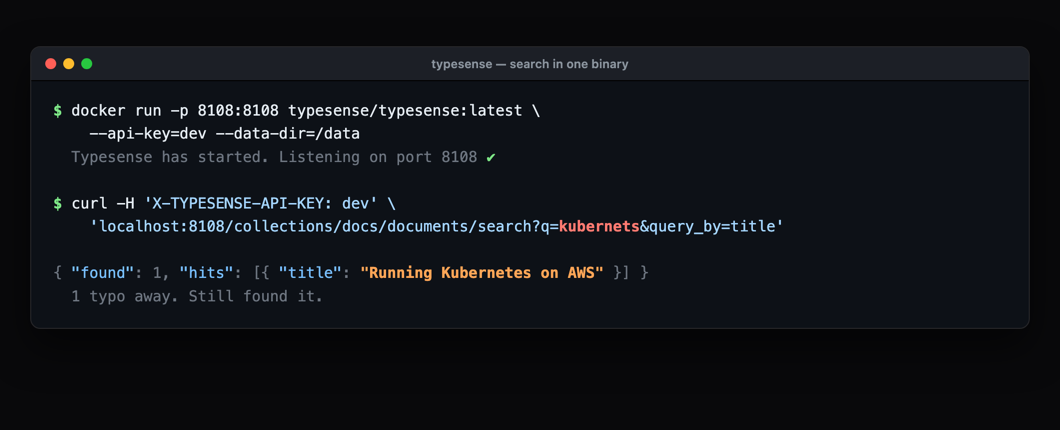
Sponsored by Typesense, a tool we run ourselves.
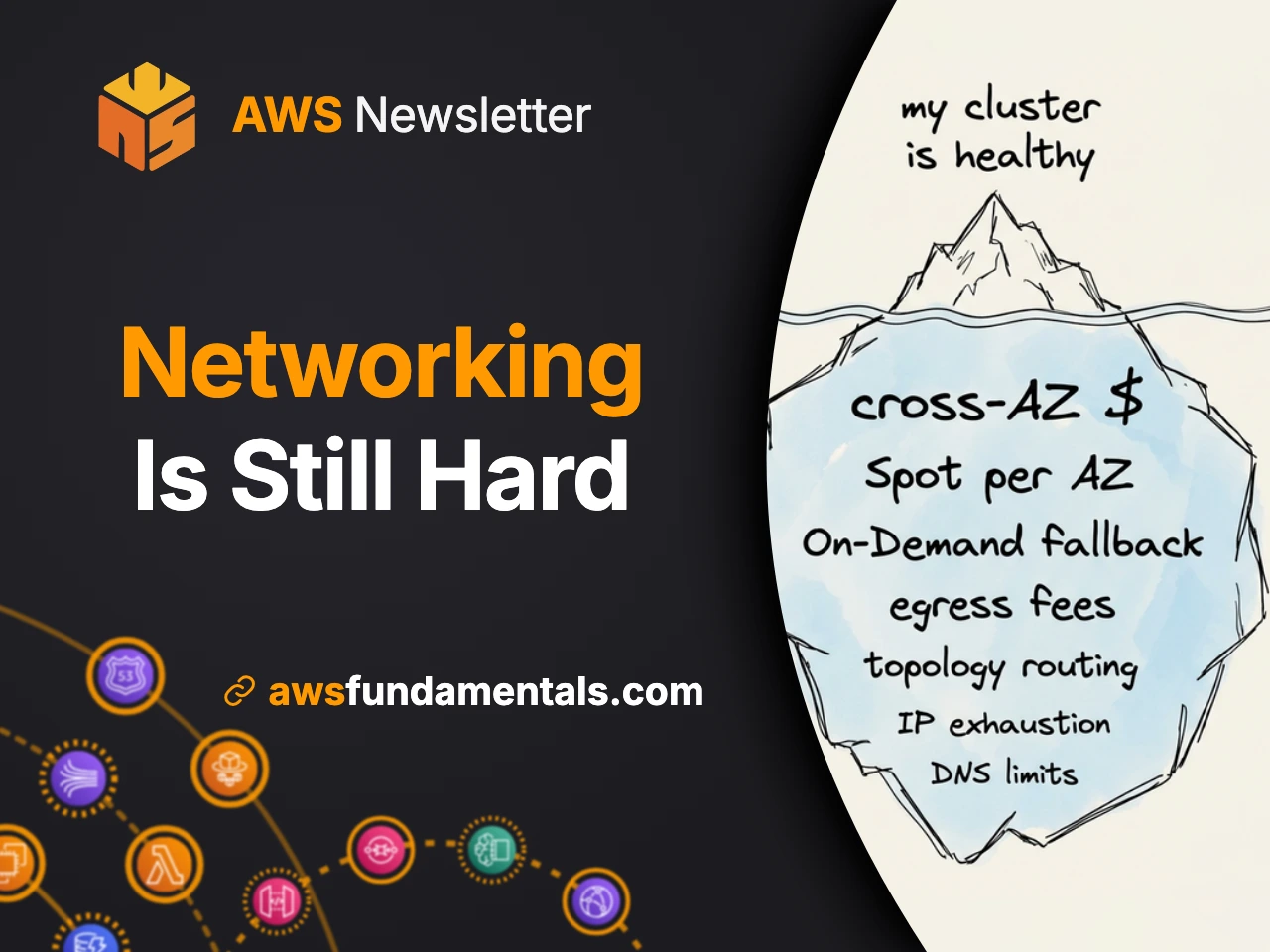
📚 This Week's Deep Dive
Three things are true about a lot of EKS clusters using Karpenter (great choice!) as their scheduler: Then Spot capacity for that family runs out in the region. Karpenter does exactly what it was told: it falls back to On-Demand, and it places new nodes wherever it can still get instances. Within a day, a fleet that had effectively lived in one availability zone is spread across three. Nothing about that is wrong. Spreading across zones is what you are supposed to want. Except the services still talk to each other constantly, and now roughly two thirds of every internal call crosses a zone boundary at $0.01 per GB in each direction. The traffic pattern never changed. Only the placement did. And there is no Kubernetes signal for placement: no restarts, no failing probes, zero errors. In Cost Explorer it hides inside EC2-Other. The full story is on the blog: how a NodePool quietly became a placement policy, why one instance family is the thing that set it up, and the four changes that stop it from happening again. |
📰 This Week in AWS🩺EC2 application status checks
🔐The AWS sign-in page is changing
💰Managed dashboards in Billing and Cost Management
|
Go read your own NodePool with this in mind!
If it names exactly one instance family, you already know what to do.
And if you have had a cost surprise that no dashboard warned you about, hit reply and tell me.
I collect these!
See you next week! 🙏
Tobi & Sandro